
Start with your goals and constraints
Choosing the right free website builder begins with clarity about what you need the site to do now and in the near future. Are you creating a simple personal blog, a portfolio, a brochure site for a small company, or an online store? Free plans often limit storage, bandwidth, and advanced features, so map out must-have capabilities - like contact forms, booking functionality, or a storefront - before you sign up. If you're unsure where to start, a general overview of site creation options can help you compare approach and scope: explore the basics of website creation to frame your decision.
Key considerations when comparing builders
Not all free website builders are created equal. Evaluate options based on practical criteria that will affect your daily workflow and long-term flexibility:
- Ease of use: Drag-and-drop editors are great for visual control, but also check how quickly you can make changes and whether there's a learning curve.
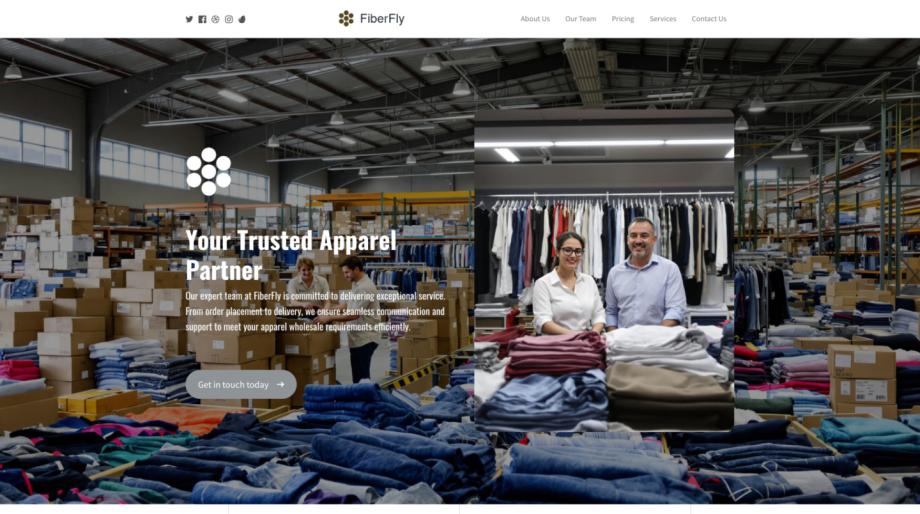
- Template quality and industry fit: A strong template makes a huge difference. Browse the available website templates and find designs tailored to your niche so you don't spend hours redesigning. For retail or fashion projects, look for templates built for product showcases and inventory presentation, such as fashion retail layouts.
- Mobile responsiveness: Most traffic now comes from mobile devices; ensure templates and the builder support responsive web design so your site looks great on any screen size.
- eCommerce capabilities: If you plan to sell, check whether the free plan supports product listings, payment integrations, and cart functionality. Some builders let you start with free storefront tools and upgrade as sales grow - read the fine print on transaction fees and limitations in e-commerce features.
- SEO and marketing features: Basic SEO tools (meta tags, sitemaps, URL control) should be included. Access to more advanced tools will often require a paid plan, but good builders expose fundamentals through their free tier; see what's offered under SEO optimization tools.
- Ownership and portability: Understand the export and migration policies. If you might move to a different platform later, confirm whether you can export content or migrate with support described in platform migration resources.
- Support and community: Free plans typically offer limited support. Look for builders with robust documentation, community forums, and tutorials so you can troubleshoot without premium support.
Match templates and features to your industry
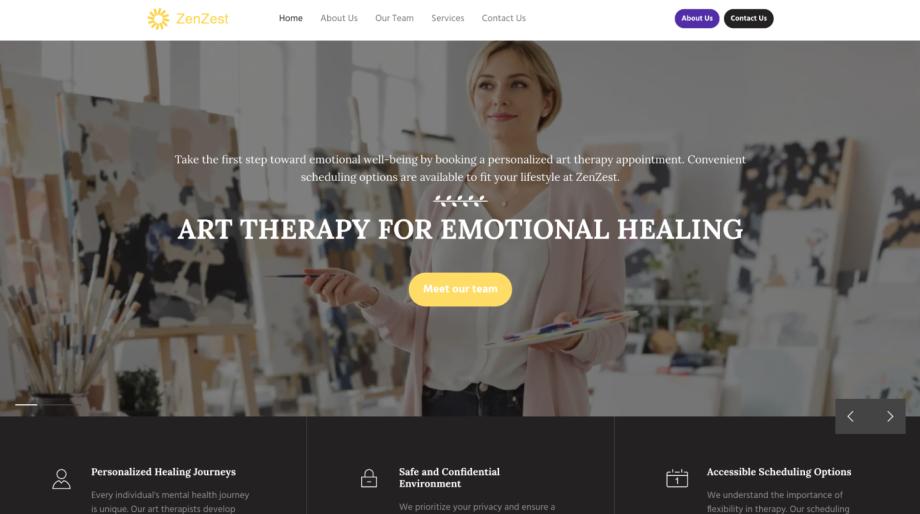
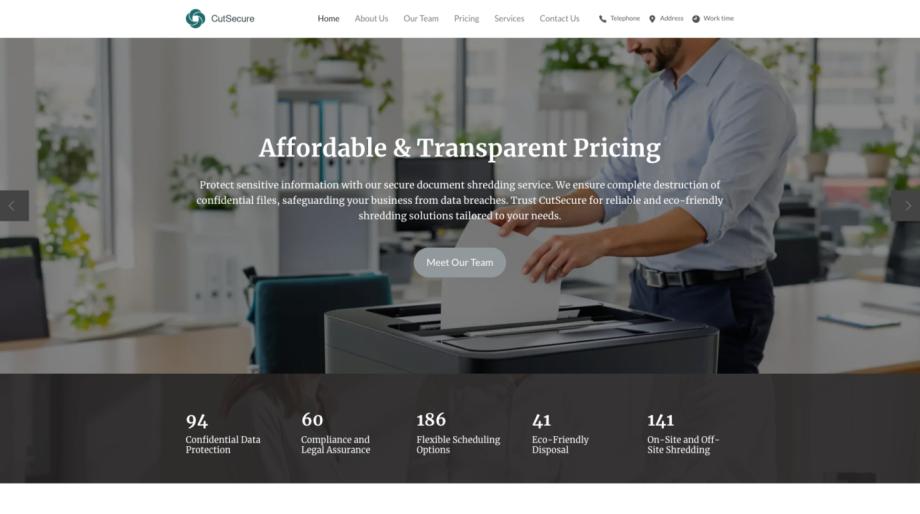
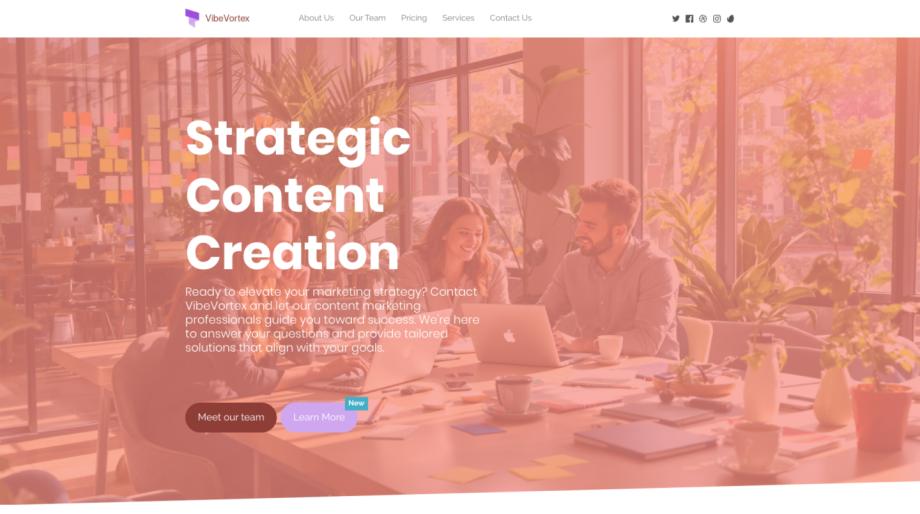
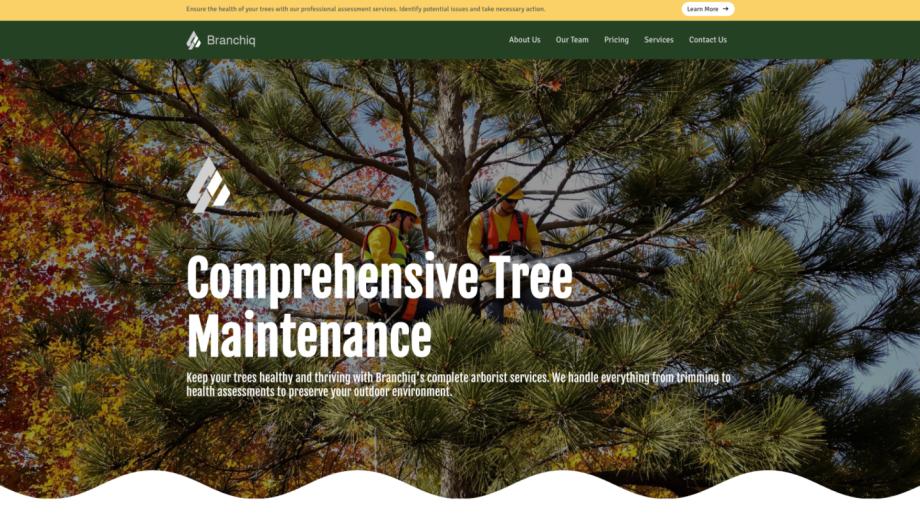
A template that aligns with your business reduces setup time and creates a more professional first impression. Browse templates for your sector-whether that's retail, hospitality, healthcare, or professional services-to find layouts and feature sets already tuned to common needs. For example, retail and fashion templates prioritize product imagery, pricing, and filtering, while service-focused templates highlight calls-to-action, staff bios, and booking widgets. Start by exploring the general template library, then narrow to industry-specific designs that match your content and audience. Choosing the right template also makes it easier to maintain brand consistency and accessibility without heavy custom coding.
Practical steps to finalize your choice
Once you've narrowed your options, follow a short checklist to make a confident selection:
- Sign up for two or three promising builders and build a quick prototype of your homepage and one content page. This hands-on test reveals usability, template flexibility, and how your content reflects in the design.
- Test on multiple devices and browsers to confirm responsive behavior. Check load times - slow templates or excessive scripts can harm user experience and SEO.
- Verify third-party integrations you need (email marketing, analytics, payment gateways). Free plans sometimes restrict integrations to paid tiers.
- Review terms for domain usage, branding, and ads; some free plans place the builder's branding on your site or limit custom domain connections.
- Consider growth paths: if you expect to expand features, look for builders with clear upgrade options and migration tools so you won't be boxed in later.
Choosing the right free website builder is about balancing immediate convenience with future needs. With a clear brief, a hands-on trial, and attention to templates, responsiveness, commerce features, and portability, you can pick a platform that gets you online fast and scales when you're ready. Use the resources linked above to explore builders, templates, and key features as you compare options - a short testing phase will save time and ensure your final choice fits both your present and your future plans.