
Plan your community with a clear purpose
Every successful online community starts with a focused purpose. Decide what problem the community will solve and who it will serve - customers, hobbyists, students, or professionals. Document your goals (support, feedback, product development, or peer learning) and the types of interactions you want to encourage: discussions, user-generated content, events, or commerce. Use your website as the community hub by building a simple landing area with clear membership paths; a quick way to get started is with an easy-to-use site creator linked from your main setup, like a website creation page that outlines what members will find and how they can join.
Map out the core features you'll need at launch: discussion spaces, content hubs, member profiles, and a content calendar. Keep the initial scope tight - a small set of reliable features beats a sprawling site that's difficult to manage. If your audience benefits from personal storytelling or expert posts, consider integrating a blog section such as a personal website and blog area where members and staff can publish long-form content.

Design for usability and engagement
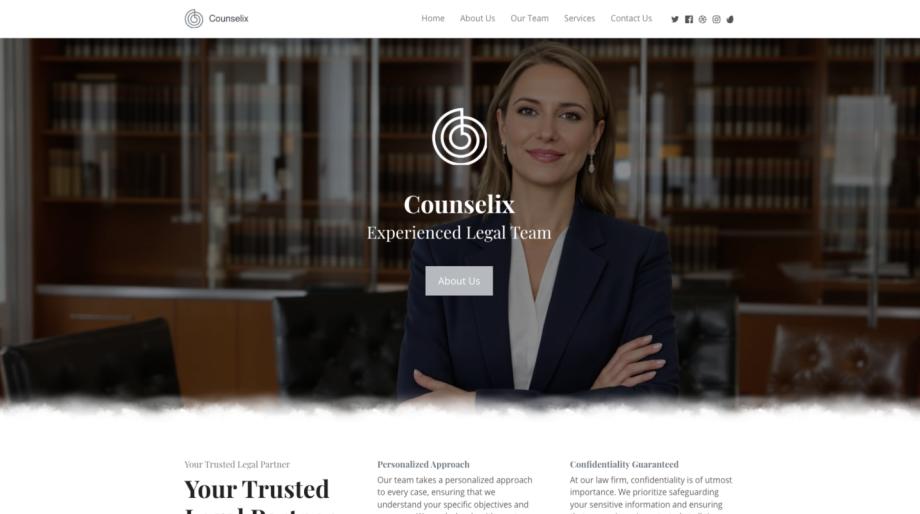
Design choices determine whether people stay. Start with a responsive layout so the community works on mobile and desktop - a responsive web design approach ensures pages, menus, and content adapt cleanly across screens. Prioritize fast navigation, clear calls-to-action (Join, Post, Ask, Shop), and visible community rules.
Leverage visual tools to lower the barrier for non-technical contributors. A drag-and-drop website builder and a visual content editor let moderators and members create attractive posts, event pages, and announcements without coding. Use consistent templates for topics and threads so the community feels cohesive. Consider optional modules that let you expand capabilities later - for example, adding courses or monetization functions when engagement grows.
Launch tactics: attract, onboard, and convert
Attract initial members with valuable, shareable content and a low-friction onboarding flow. Offer starter content such as guides, a curated FAQ, and a welcome thread where newcomers can introduce themselves. Use a mix of content types - quick posts, longer guides, and multimedia - to appeal to different engagement styles. If you plan to sell products or memberships, integrate straightforward commerce elements like a storefront or purchase flow using the built-in e-commerce sales tools so members can transact without leaving the community.
Onboarding should educate new members about community norms and opportunities for contribution. Set up automated welcome messages, a pinned orientation post, and a checklist (complete profile, read rules, introduce yourself, join a subgroup). Reward early participation with visible recognition: badges, featured posts, or small perks. If your community offers structured learning, add a course module - the course platform makes it simple to host lessons, quizzes, and certificates that keep learners engaged and returning.
Moderation, growth, and sustaining engagement
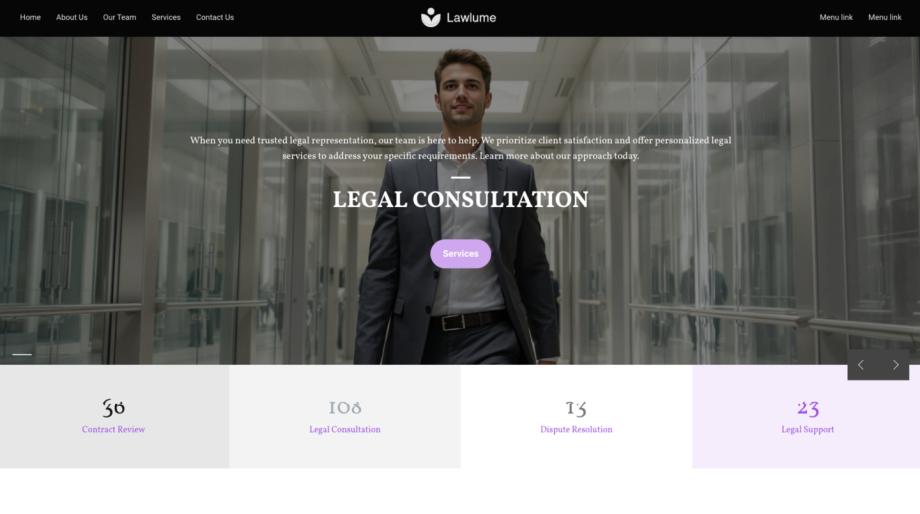
Moderation and team coordination are essential as your community grows. Define clear guidelines for acceptable behavior and a transparent process for resolving issues. Build a small moderation team early and give them the tools to manage content and members effectively - a team management feature helps assign roles, track actions, and keep communication centralized. Regularly review moderation policies to ensure they match community culture and legal requirements.
Keep growth sustainable by focusing on value rather than raw numbers. Encourage recurring activities like weekly discussions, monthly expert Q&As, and member-led projects. Use analytics and member feedback to iterate: which topics generate conversation, what content formats perform best, and where members drop off. Reinvest top contributors by inviting them to lead events, co-create content, or test new features.
Finally, plan for long-term monetization carefully so it supports rather than undermines community trust. Offer optional paid tiers, course access, or a marketplace powered by your e-commerce features. Make benefits clear and useful - ad-free browsing, exclusive events, or advanced learning tracks - to convert engaged members into supporters without alienating the wider community.
Quick checklist to get started
- Define purpose and core features.
- Build a mobile-friendly hub using responsive design and a visual editor.
- Set up onboarding flows, welcome content, and a starter community calendar.
- Equip a moderation team and tools to manage growth.
- Introduce monetization via e-commerce or courses when the community shows steady engagement.
Launching an online community is a marathon, not a sprint. Focus on clarity, ease-of-use, and consistent value. With the right foundational tools and a small, committed team, you can grow a vibrant, self-sustaining community that supports your brand, products, or mission for years to come.